How to get a business email address on your own domain
An address at your own domain looks more professional than a Gmail one and stays yours if you change provider. How to set one up, and the three records that stop it landing in spam.
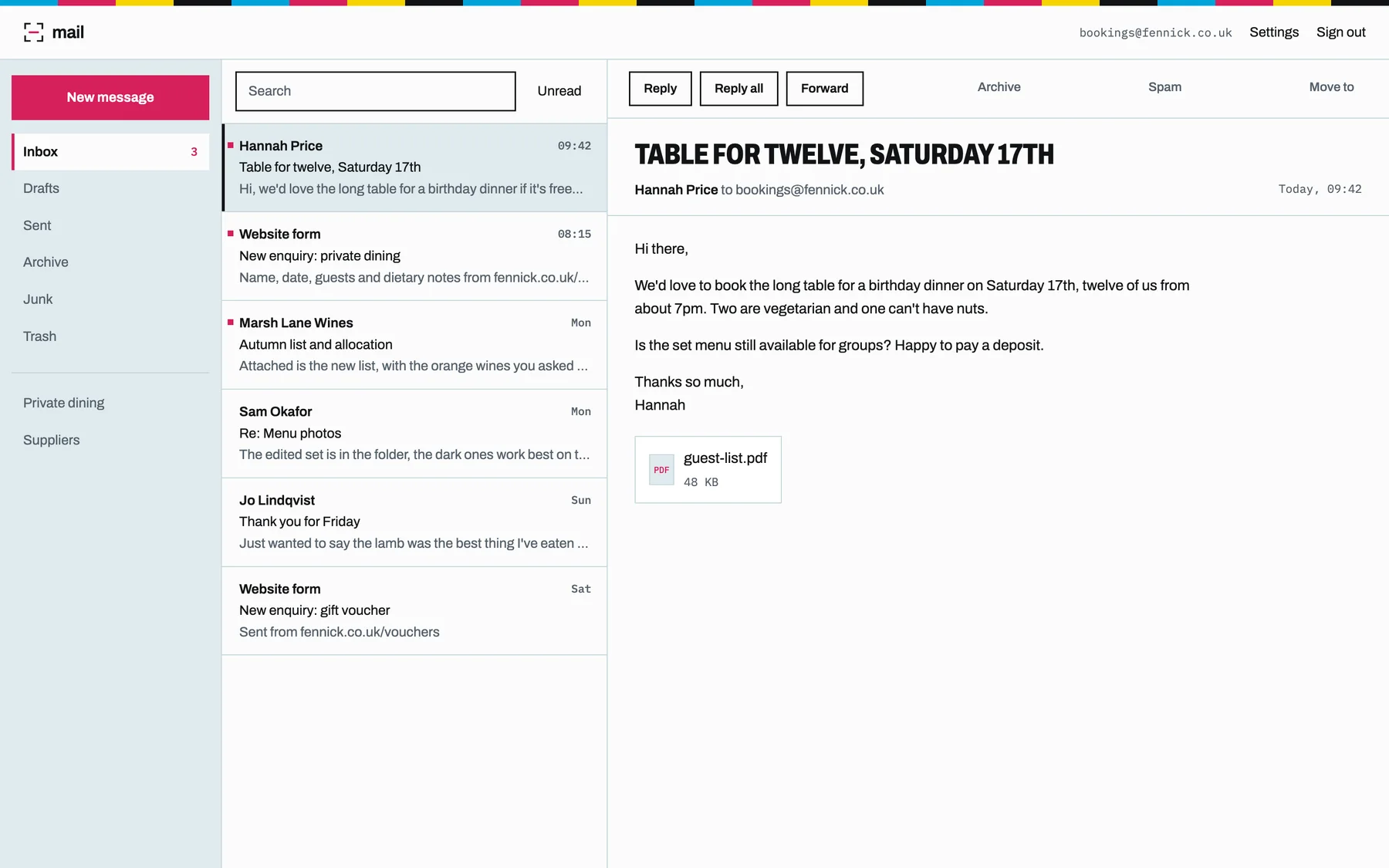
To get a business email address on your own domain, you need the domain, an email provider (often your website host) and a few records added to the domain so your mail is delivered and trusted. Create a mailbox such as hello@ your domain, add the MX, SPF, DKIM and DMARC records, then use it in webmail or any mail app.
A Gmail or Hotmail address works, but an address at your own domain tells customers you're an established business, and it moves with you. Change email provider and you keep the address; your customers never notice. Here's how to get one.
What you need
- A domain, like
yourbusiness.co.uk. If you have a website on your own domain, you already have one. - An email host to store and send your mail.
- A few DNS records so the world knows where to deliver your mail and trusts what you send.
Your options
Google Workspace or Microsoft 365
The big names, with office apps included. Priced per user per month. Good if you want the whole suite.
Your registrar's email
Many domain registrars sell basic mailboxes. Often cheap, sometimes basic.
Email with your website
Some website hosts include mailboxes, which keeps everything on one bill and one login. On Prooflive.ai, Standard, Plus and Pro each include one mailbox on your domain, and extra ones are £4.99 a month. You can use the webmail or any mail app: Apple Mail, Outlook or your phone's own mail app. Spam is filtered as it arrives. No domain yet? Mailboxes still work, at an address on your site's Prooflive address.
The three records that keep you out of spam
Most "my emails go to junk" problems come down to three DNS records. Big providers like Gmail and Outlook now expect all three from anyone sending business email.
- SPF lists which servers may send mail for your domain.
- DKIM adds a signature to each email, proving it wasn't changed on the way.
- DMARC tells receiving servers what to do with mail that fails the first two, and sends you reports.
Prooflive.ai sets up all three for your domain. The Email tab lists the records to add and checks them for you live, or, if your domain uses Prooflive's nameservers, they're added automatically.
Moving from an old address
- Set up the new mailbox and check you can send and receive.
- Forward the old address to the new one, or check both for a while.
- Update your website, Google Business Profile, invoices and email signature.
- Tell regular customers and suppliers.
Tips
- Use a general address like hello, info or bookings for the public, so it can pass to someone else later.
- Don't print your address on your website if you can avoid it: bots harvest them for spam. A contact form is safer, and on Prooflive.ai enquiries land in your leads inbox and your email with spam filtered out.
- Turn on two-step sign-in wherever your email provider offers it.
Building the site too? Start with how to build your own website with AI.
Build yours with Prooflive.ai.
Paste one prompt into your AI agent with a few lines about your business, your old website or a design. Free to build and check; from £24 a month when it goes live, with your first 30 days free.