How to build your own website with AI in 2026
You can now describe your business to an AI and get a real website back. Here's how it works, what you need, and the bits the AI won't do for you.

Two years ago, "build my website with AI" meant a website builder with a chatbot bolted on. It picked a template, filled it with stock copy and left you to fix the rest. In 2026 it means something different: an AI agent on your own computer writes every page of your site, from a description, your old website or a design, and you check it before anyone else sees it.
This guide covers what you need, how the build actually works, where people go wrong, and what still has to happen after the pages exist.
What you need
- Something to build from. A few lines about your business is enough to start. Your old website is better, because the AI can read your services, opening hours and wording from it. A design (Figma, Canva, a PDF or screenshots) is best of all, because the AI then builds what you've already approved instead of inventing a look.
- An AI agent, not just a chat window. This is the part most people miss. Tools like Claude Code, Codex, Gemini CLI, Cursor, GitHub Copilot and Windsurf run on your computer and can take actions: save files, upload images, call a website's build interface. A chat-only assistant can write code into a reply, but someone still has to copy it somewhere, host it and connect a domain. Most agents need a paid plan from their maker.
- Somewhere for the site to live. Pages need hosting, a domain, SSL (the padlock), a way to receive enquiries, and ideally email on the same domain.
How the build works
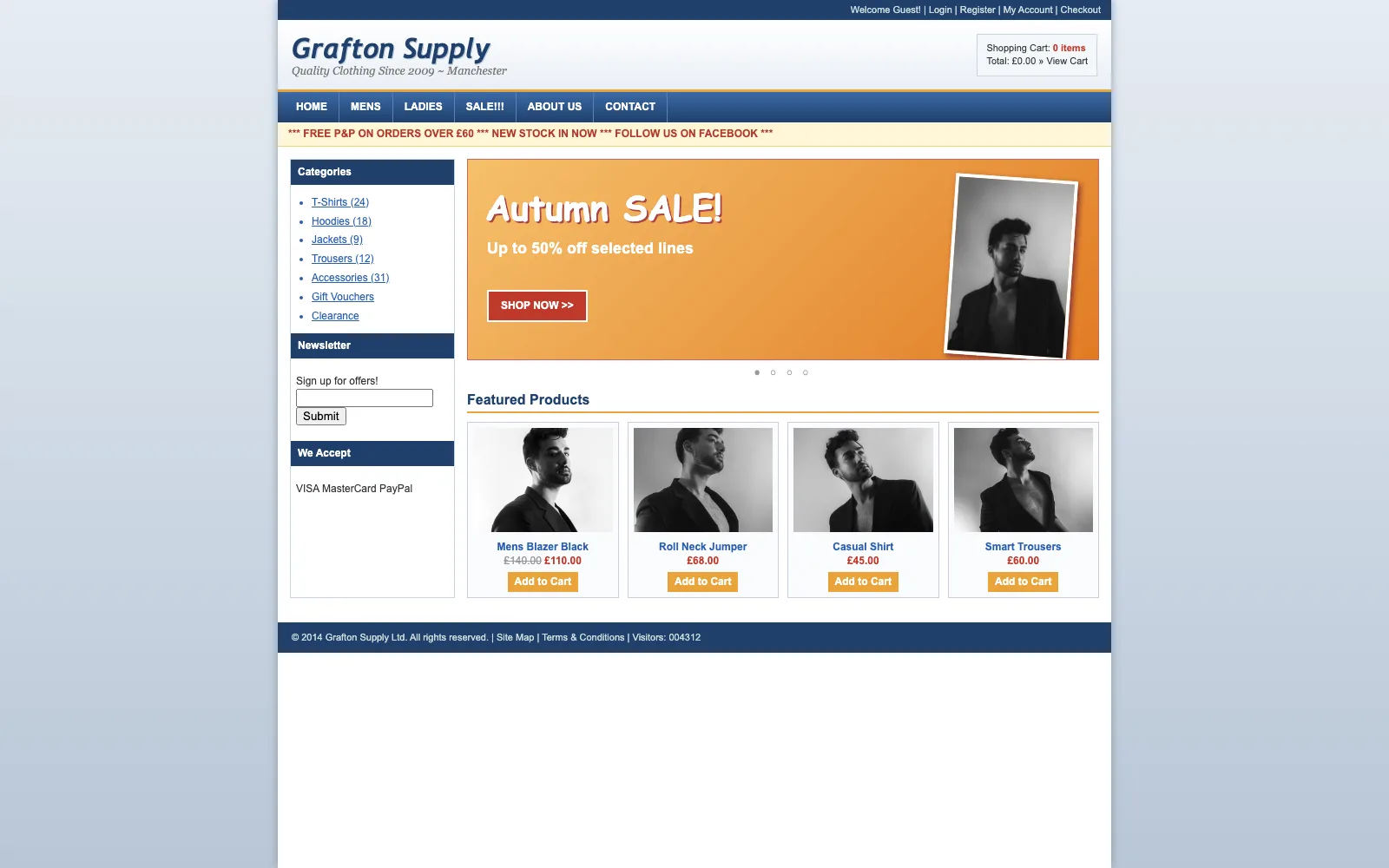
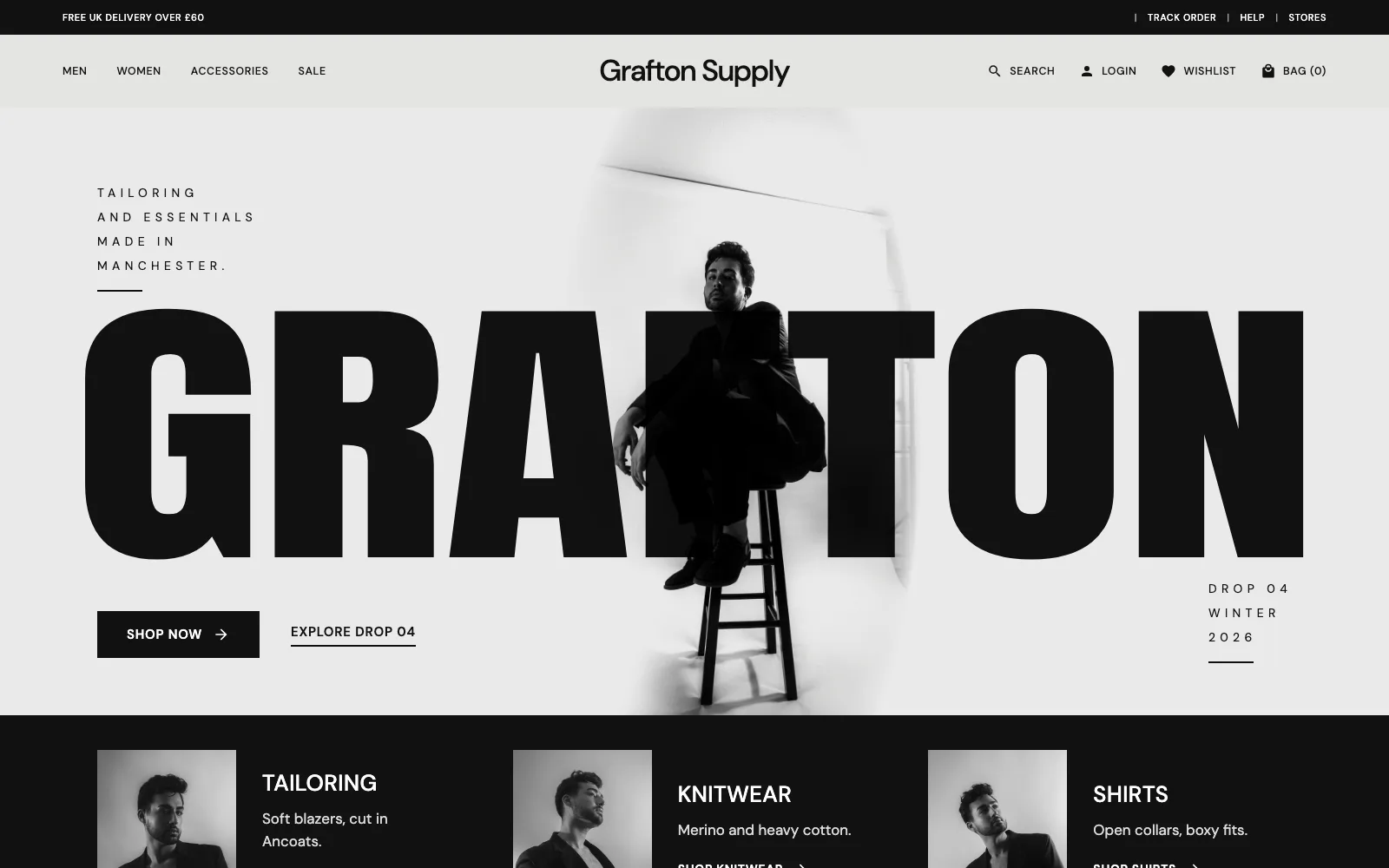
With an agent, the build is a conversation. You paste in a prompt that tells it where to save the site, add your notes or old web address, and it works through the pages one by one: home, services, about, contact. Each saved page appears on a private preview address, so you can open it on your phone while it's still working.
If something's wrong, you say so in plain words: "make the headline shorter", "use the photo of the shopfront", "the prices are wrong, here are the right ones". The agent edits the page and saves it again. There's no editor to learn and no template to fight.
On Prooflive.ai that whole flow starts with one copy-and-paste prompt from your account. It already contains your site's private build link, so the agent knows exactly where to save every page.
How to avoid the "AI website" look
You've seen the look: a purple-to-blue gradient, a glowing button, three cards with icons, "Trusted by 500+ businesses" (nobody counted), and a headline about elevating something. AI models drift towards it because it's the average of millions of landing pages.
Three things keep a site from looking generated:
- Give it real material. Your own photos, your own words, your actual prices and opening hours. The less the AI has to invent, the less it does.
- Give it a direction. A design is ideal. Without one, ask for a choice of looks and pick one, rather than taking the first thing it makes.
- Check its work against rules. Prooflive.ai checks every page the agent saves against Proofrails™, our own guard rails, and sends back anything that reads as stock AI: invented statistics, fake reviews, stock phrases, gradient text and the rest. The agent fixes them before you see the page.
There's more on this in prompts for building a website with AI.
What has to happen after the pages exist
A folder of HTML isn't a website yet. Before customers can find it, you need:
- Hosting that's fast and stays up, ideally close to your customers.
- Your domain pointed at it, with SSL so browsers don't warn people off.
- Forms that work, with enquiries going somewhere you'll see them and spam filtered out.
- Search basics: titles, descriptions, a sitemap, structured data and a way to tell Google and Bing when pages change.
- A way to change it later without starting again.
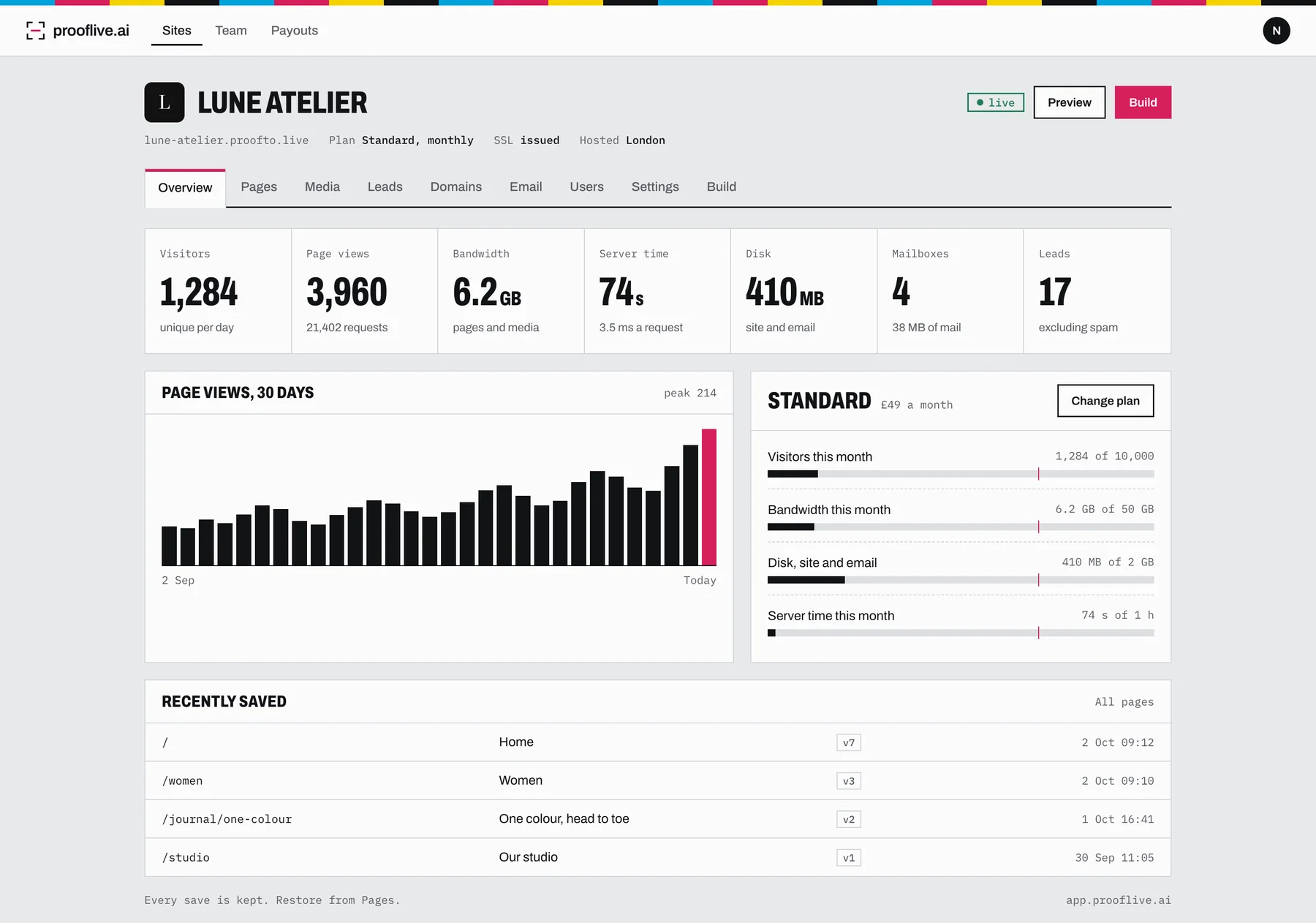
This is where most do-it-yourself AI builds stall. The pages look fine on the laptop that made them, and then it's a weekend of DNS settings and hosting control panels. Prooflive.ai does all of that as part of the plan: UK hosting in London, SSL on every domain, a leads inbox, email on your domain from Standard up, and the SEO Wizard for search. See putting your website live on your own domain for the domain part step by step.
What it costs
Building and checking on Prooflive.ai is free. You pay when the site goes live, from £19 a month for a one-page site, with the first 30 days free. On top of that you'll need your AI agent's own plan and a domain, typically around £10 to £20 a year. Pricing has the full list, and what a small business website costs in the UK compares it with the other routes.
The short version
- Write down what you do, where, for whom, and how people get in touch. Gather your photos.
- Pick an AI agent that runs on your computer.
- Sign up free, copy your build prompt and paste it into the agent with your notes or old website.
- Check every page on your private preview and ask for changes.
- Go live on your domain when you're happy.
Build yours with Prooflive.ai.
Paste one prompt into your AI agent with a few lines about your business, your old website or a design. Free to build and check; from £19 a month when it goes live, with your first 30 days free.