Your own web address and email, explained without the jargon
Domains, DNS, mailboxes: the words put people off. Here's what each one is, and how to get a web address and email at it in about ten minutes.
· 2 min read · By Tony
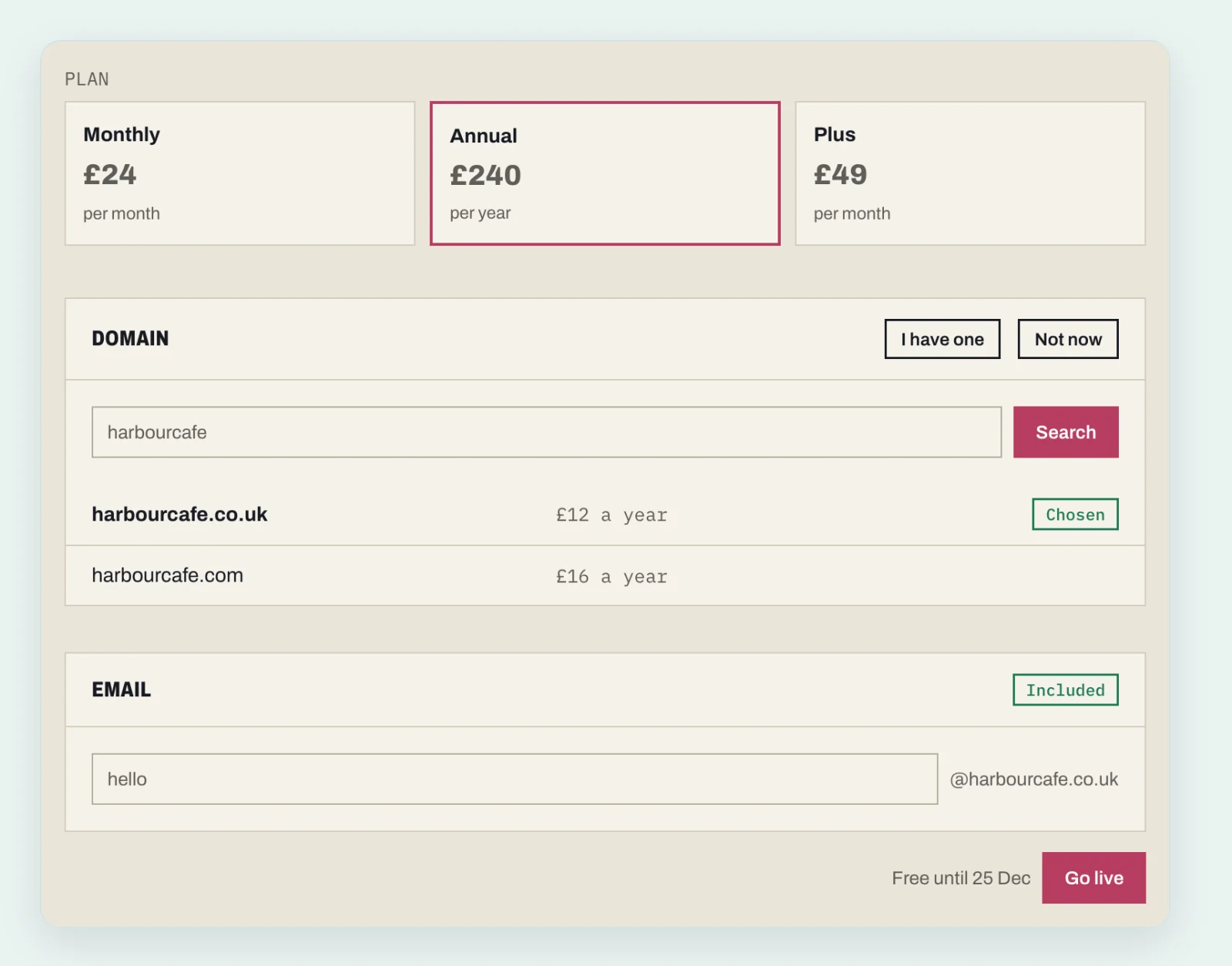
Two things make a small business look established online: a web address of its own, and email at that address. Both are quicker to set up than most people expect.
What a domain is
Your domain is your web address: harbourcafe.co.uk rather than a free address on someone else's name. You rent it a year at a time, and it's registered to you. A .co.uk tells people you're a UK business; if your name is taken, adding your town usually works.
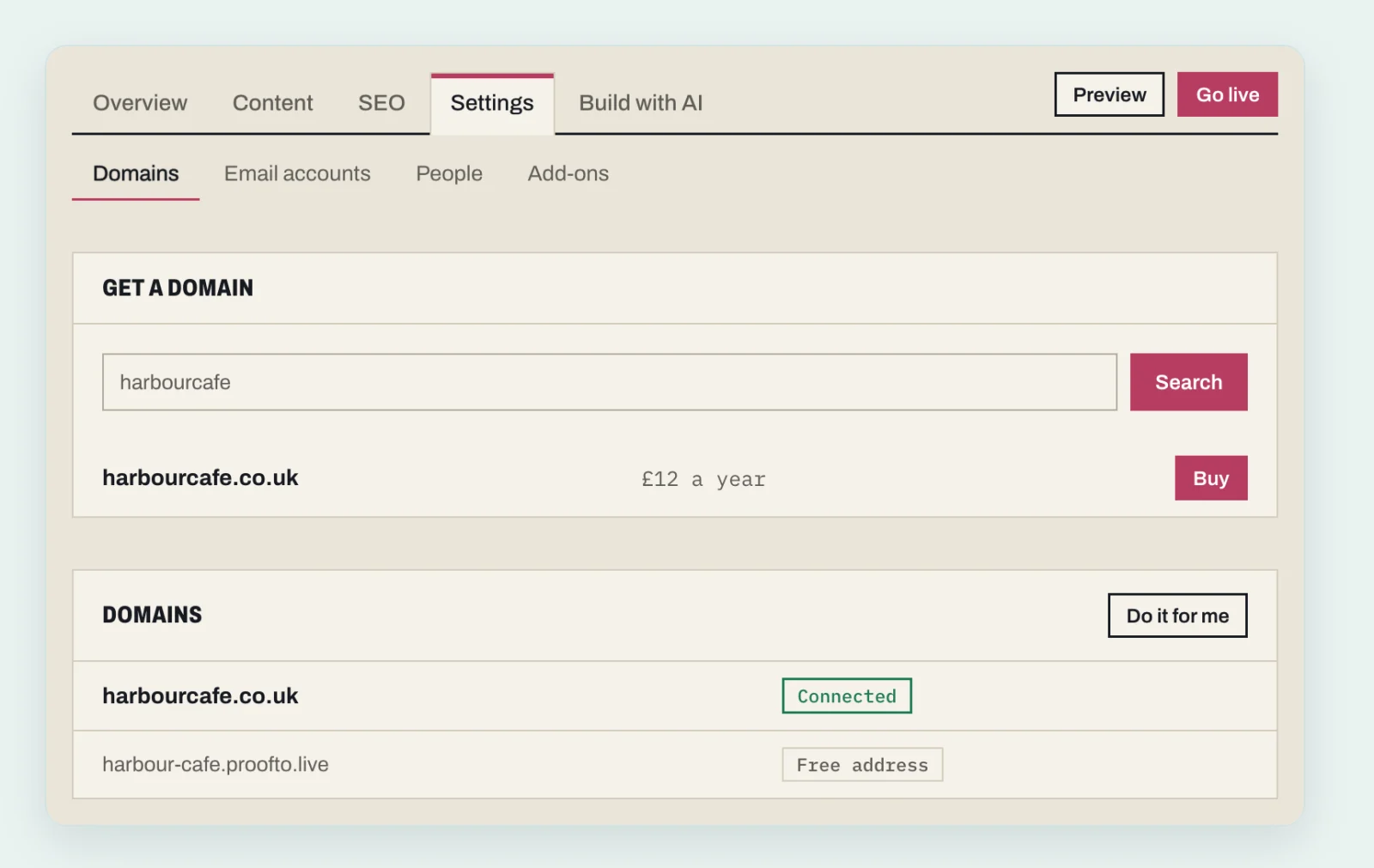
On Prooflive you buy it from your site's Settings, then Domains, or on the Go live page. You don't need to know what DNS is: the domain is connected to your site for you.
Email at your own address
An address at your own name, like hello@ and your web address, gets replies that a Gmail address doesn't. One mailbox comes with every Prooflive plan. Add it on Settings, then Email accounts, set a password, and read it in the browser or add it to your phone or Outlook.
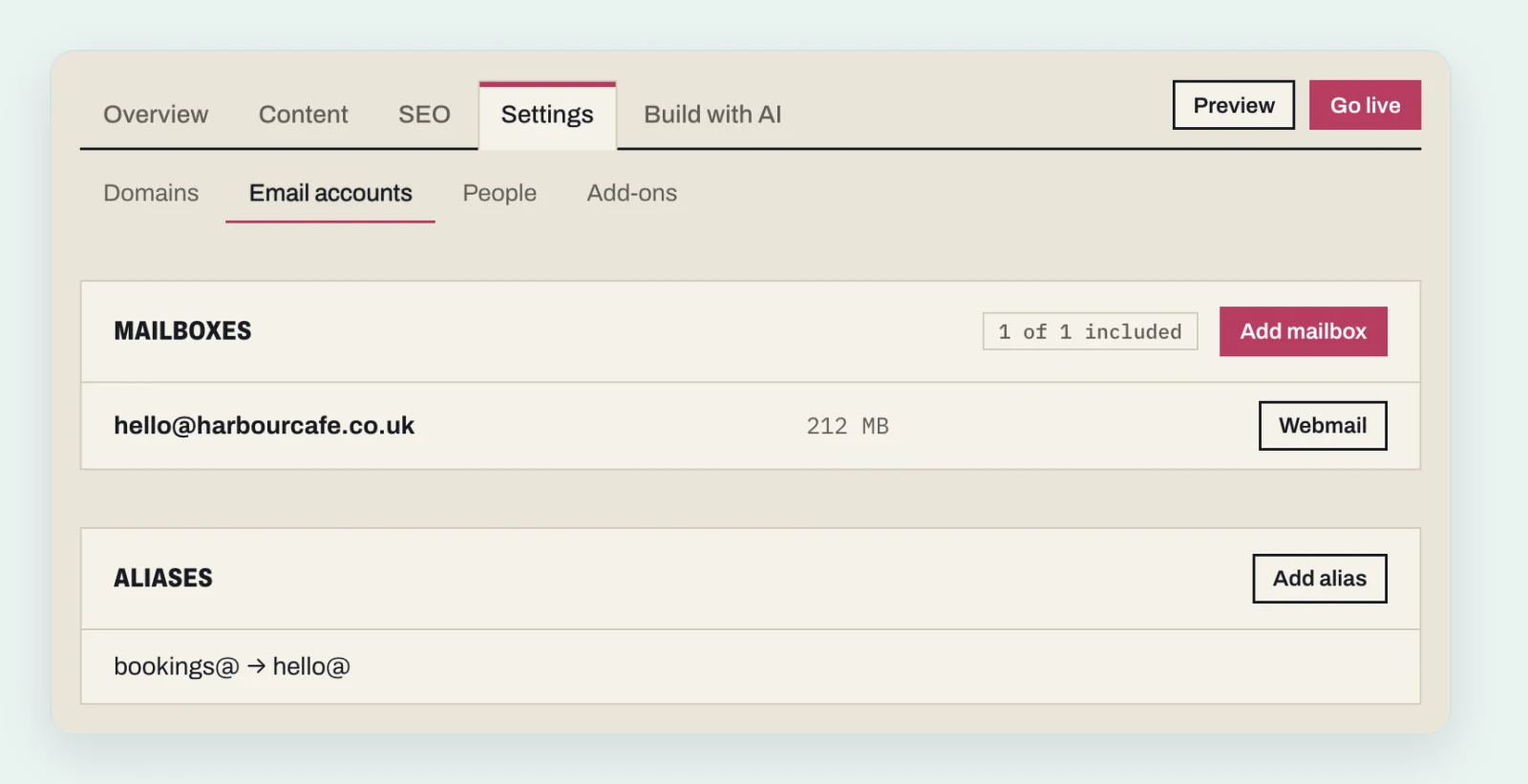
Use a role name, like hello@ or bookings@, for the main address, so it doesn't change when staff do. Aliases (a second name that lands in the same mailbox) are free.
Step by step
Our help centre has both, with pictures: your web address and email accounts.
Build yours with Prooflive.ai.
Tell our AI about your business, or bring your own. Free to build and check; from £24 a month when it goes live, with your first 30 days free.