How to get better changes from your AI
The people who get the best websites from AI aren't the most technical. They describe what they want in plain words, point at the part they mean and send real photos.
· 2 min read · By Nick
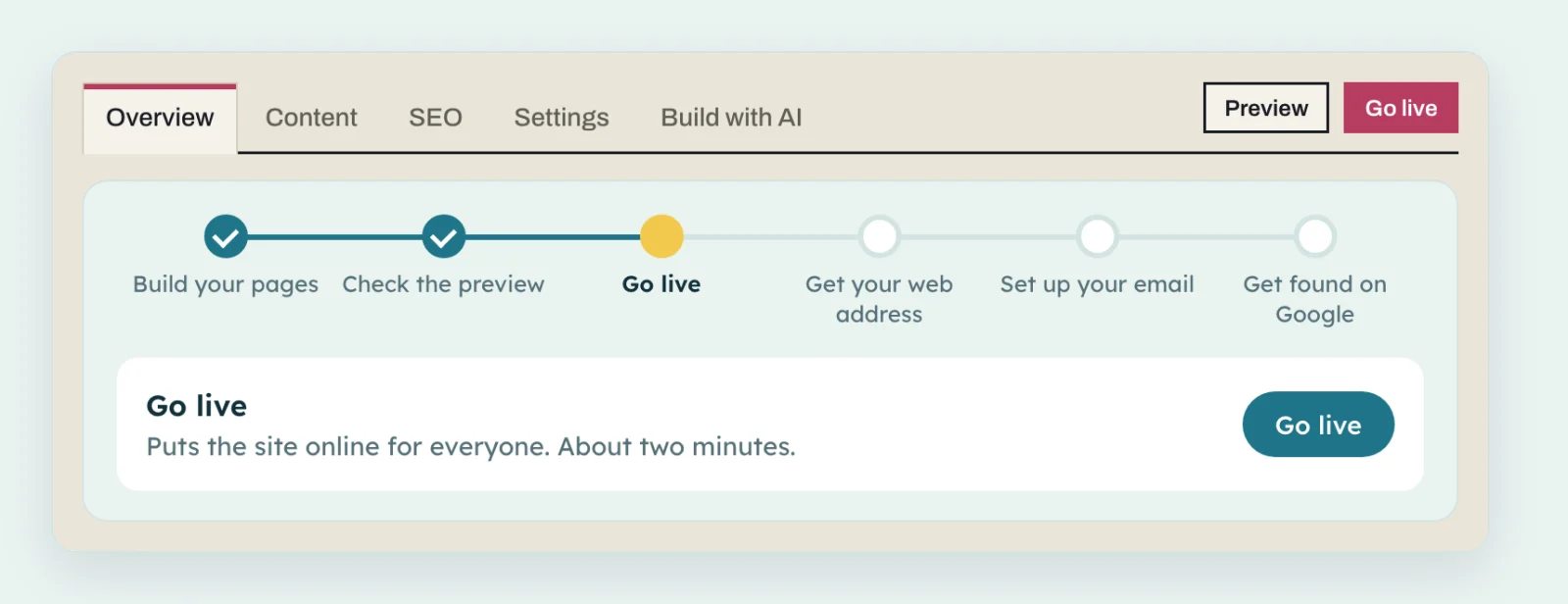
One builder we spoke to did something clever: before asking his AI for anything, he wrote down how he wanted the site to look and gathered his words and photos. His site came out well first time. Here's what we see working, again and again.
1. Say it the way you'd say it to a person
“Make the menu easier to read on phones” gets a better result than design terms. Say what's wrong and what you'd like instead. The AI knows the design rules; you know your business.
2. Point at the part you mean
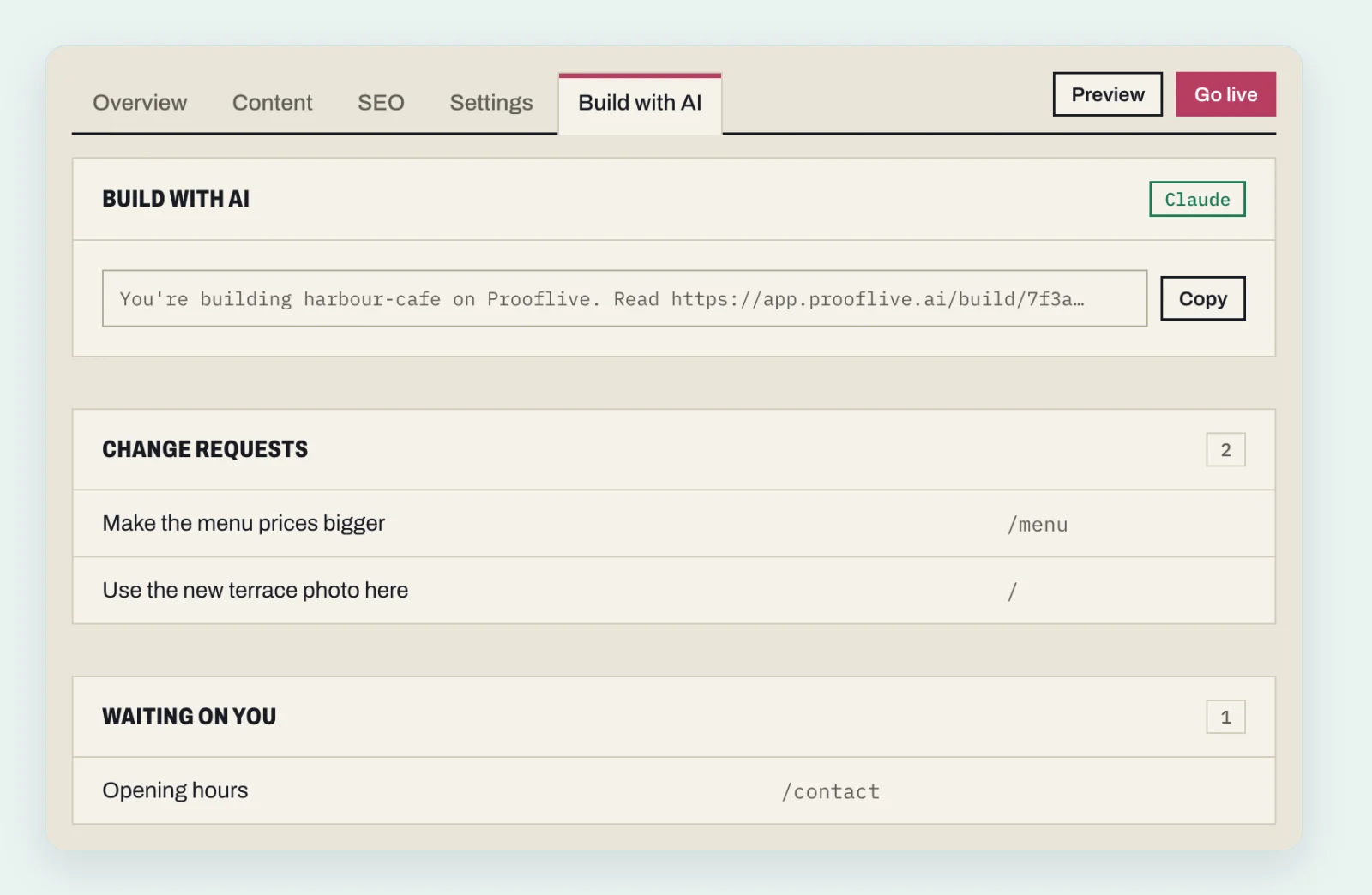
In your site's preview, pick the part you want changed and say what to do. Your picks are listed as change requests on the Build with AI tab, ready for your AI, so it never guesses which heading you meant.
3. Send real photos
Nothing improves a site as much as real photos of your place, your people and your work. Stock photos fill a gap; your own photos win customers.
4. Answer what it asks
When your AI needs something only you know, like opening hours or a price, it's listed under Waiting on you. Answer those first: they're usually what stands between a good site and a finished one.
More in our guide to changing your site.
Build yours with Prooflive.ai.
Tell our AI about your business, or bring your own. Free to build and check; from £24 a month when it goes live, with your first 30 days free.