How to build a website with Claude
Claude Code can build a whole website from a description, your old site or a design. Here's how to set it up, what to give it, and how to get the result live.
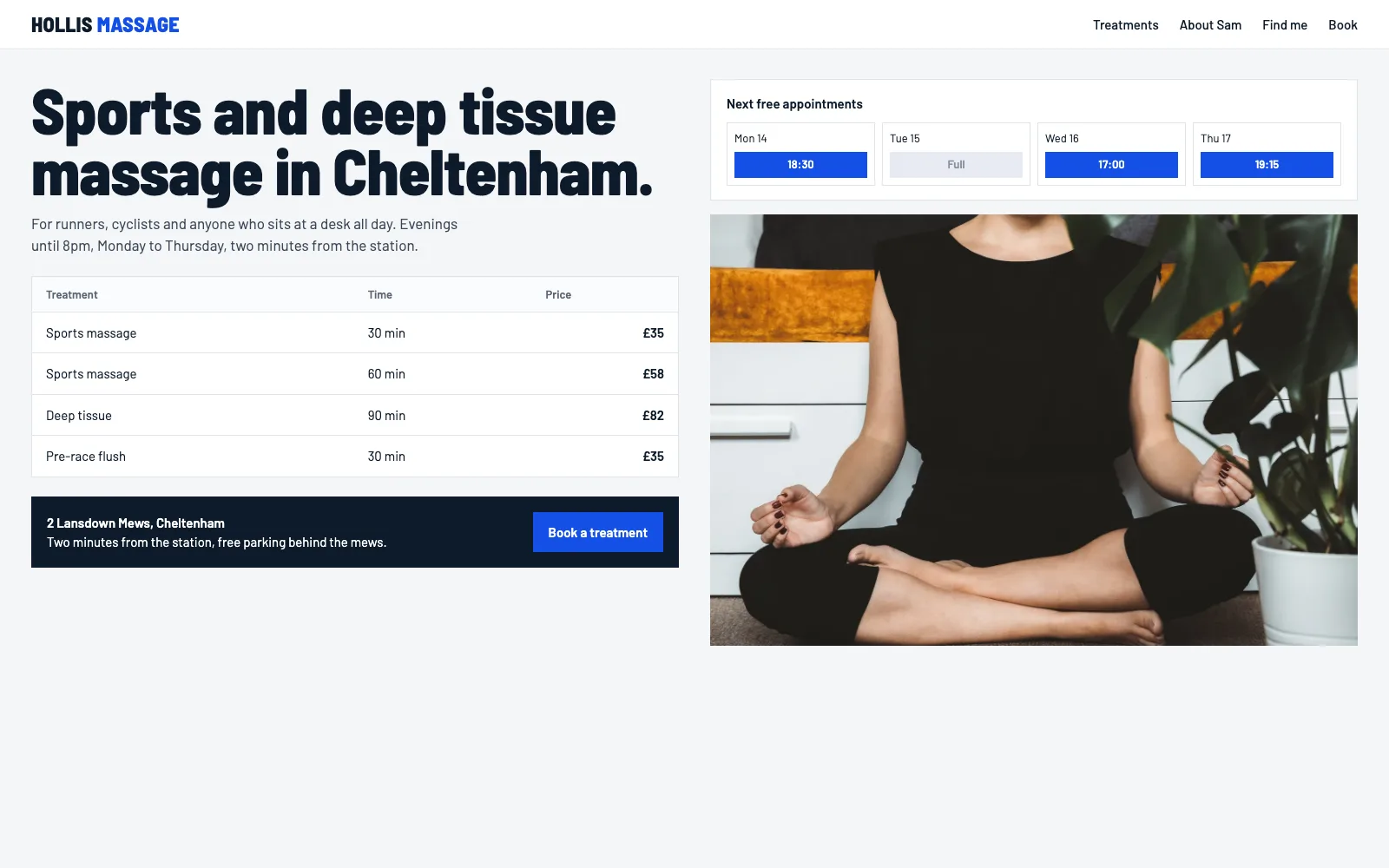
Claude is very good at building websites. It writes clean HTML and CSS, follows a design closely when it has one, and is happy to explain what it's doing in plain English. We build and test Prooflive.ai with it. But there are two Claudes, and only one of them can build your site from start to finish.
Claude in the browser vs Claude Code
Claude in the browser (or the app) is a conversation. It can write a page and show you a preview, which is great for trying ideas. It can't save pages to your hosting, upload your images or connect your domain.
Claude Code is an agent that runs on your computer. It can read files and websites, save work, and call a hosting platform's build interface, so it can build every page of a site and put each one on a preview as it goes. It's included with Claude's paid plans and runs in the Claude desktop app or a terminal. You don't need to be a developer to use it: you type what you want, the same as in the chat.
What to give Claude
- Your old website, if you have one. Claude reads your services, hours, prices and wording, so you don't have to type them out again.
- A design, if you have one: a Figma link, screenshots, a PDF, or a Claude Design file. Claude follows a design closely, which is the single best way to avoid a generic look.
- Your photos. Real photographs of your work, your premises and your team beat any stock image.
- The facts: what you do, where, who for, prices if you publish them, and how people should get in touch.
No design? On Prooflive.ai, Claude offers three directions from our design library and builds the one you pick.
Step by step
- Sign up to Prooflive.ai (free to build) and create your site.
- Copy your build prompt. It tells Claude which site to build and includes a private build link.
- Open Claude Code and paste it in, with your old web address, design or notes.
- Claude saves each page to your private preview at
your-site.proofto.live. Only you and people you invite can see it. - Check it on your phone and laptop. Ask for changes in plain words.
- When you're happy, pick a plan and go live on your domain.
Keeping it on-brand
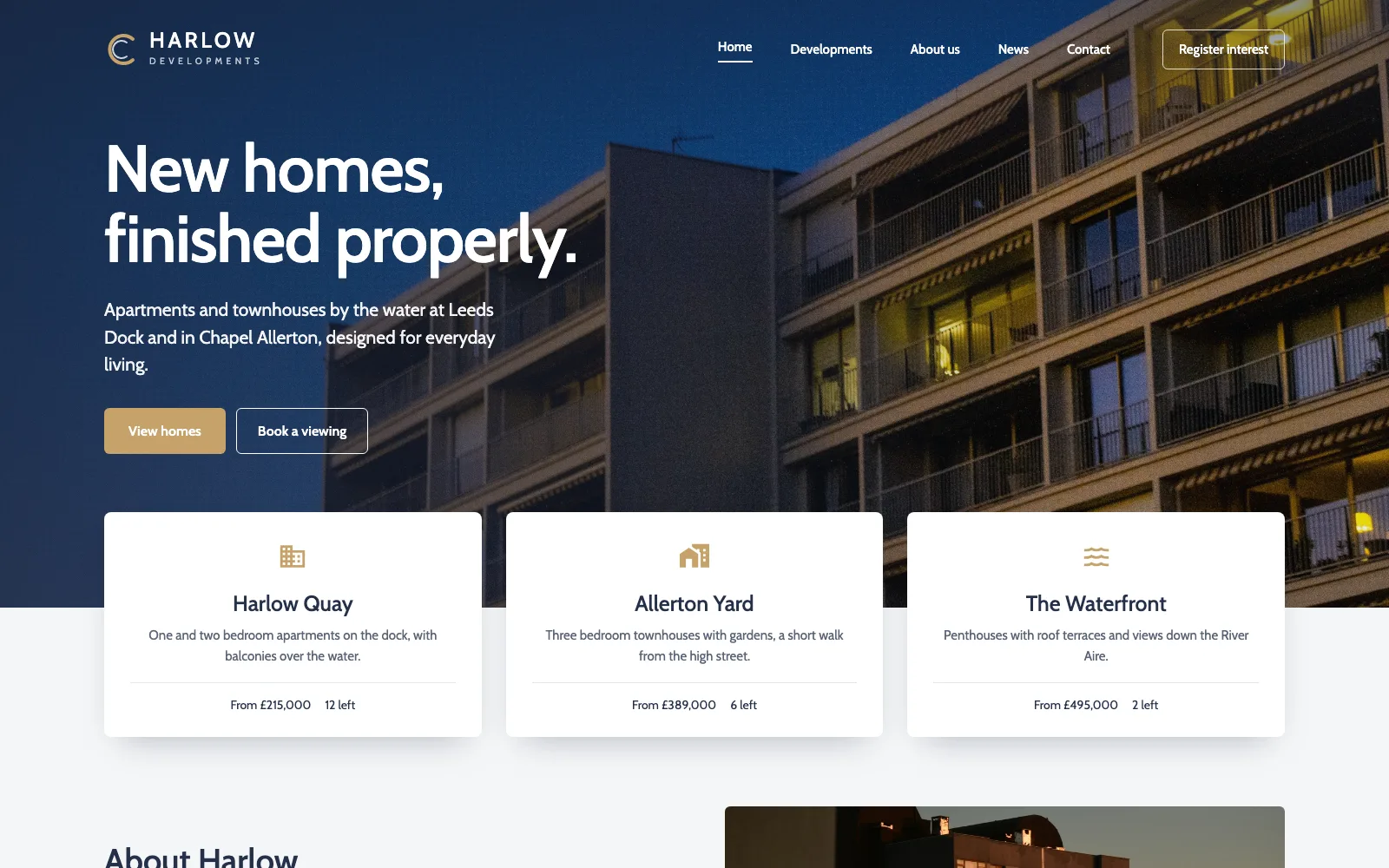
Left to itself, any AI tends towards the average website. Prooflive.ai checks every page Claude saves against Proofrails™, our own guard rails, and returns anything that looks like stock AI work: invented numbers, fake star ratings, stock phrases, gradient text, glowing buttons and so on. Claude fixes them before the page reaches you.
You can help too. If you don't like something, say what you'd prefer rather than "make it better": "the headline should be our name and the town", "use the cream from our logo, not white".
Making changes later
Need to update prices or add a page next spring? Get a fresh build link, paste it into Claude Code and ask. Every save keeps a version, so you can roll a page back if you change your mind (2 versions on Standard, up to 50 on Pro), and deleted pages can come back on every plan. For a quick text fix there's also a visual editor in your account.
Not using Claude?
The same steps work with Codex, Gemini CLI, Cursor, GitHub Copilot and Windsurf. If you're a ChatGPT user, read how to build your own website with ChatGPT.
Build yours with Prooflive.ai.
Paste one prompt into your AI agent with a few lines about your business, your old website or a design. Free to build and check; from £19 a month when it goes live, with your first 30 days free.