How to redesign your old website with AI
Your old website already holds most of what a new one needs. Here's how to have an AI agent read it and rebuild it properly, without losing what works.
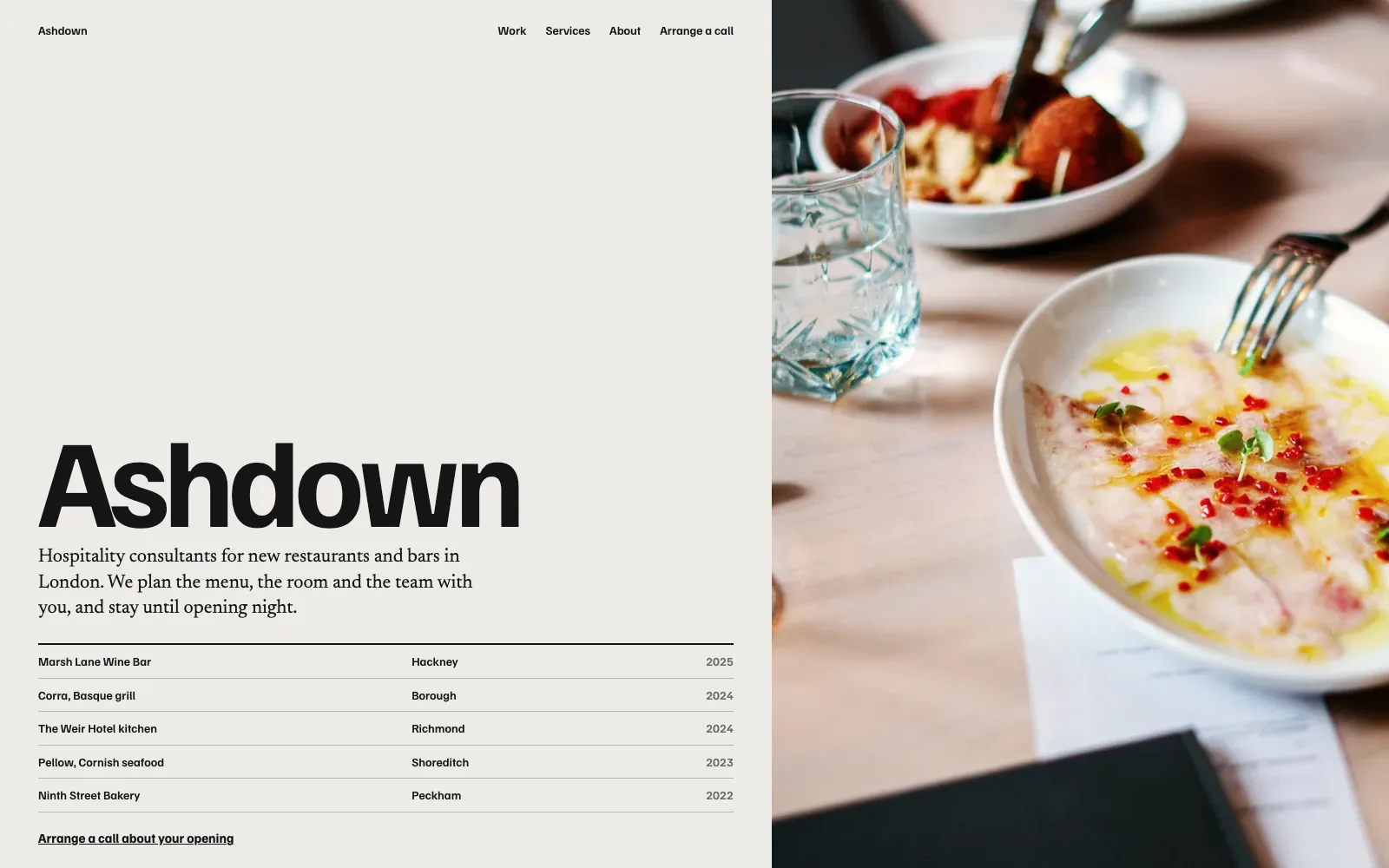
If you already have a website, you've done the hardest part of a redesign without noticing: the content. Your services, prices, opening hours, team, area and the way you describe yourself are all sitting on the old site. An AI agent can read all of it in seconds, which makes "rebuild my website" one of the things AI is genuinely best at.
Before you start: what to keep
- Pages that bring people in. If you have Google Search Console, check which pages get visits from search. Keep those pages, and keep their addresses if you can.
- Your words, where they're good. Customers recognise how you talk. Keep the bits that sound like you.
- Your photos, if they're real and decent. Replace stock photos with your own where you can.
- Anything legal or practical: registration numbers, accreditations, delivery and returns details.
What usually needs changing
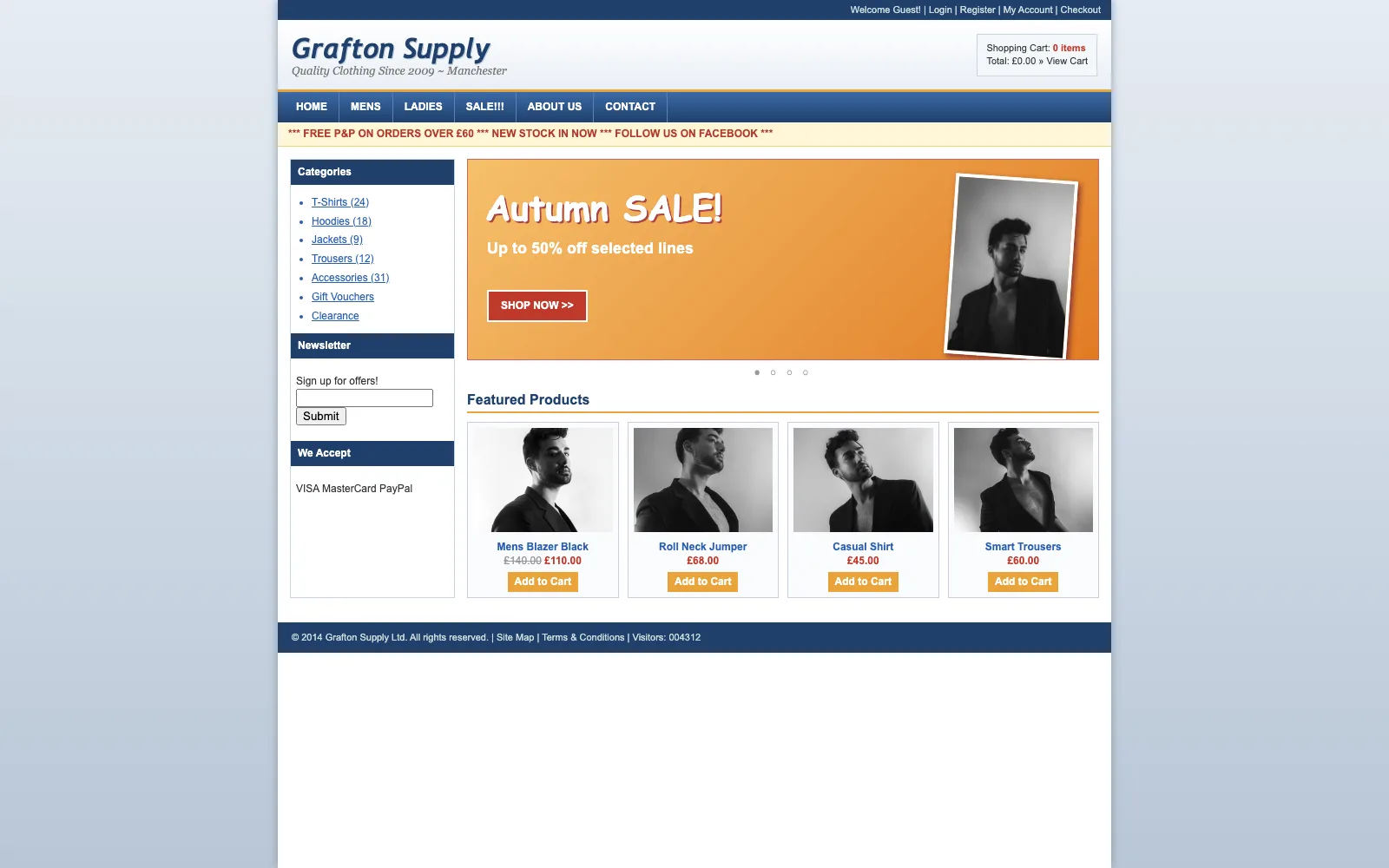
- A home page that doesn't say what you do and where in the first few seconds.
- Pages that are hard to read on a phone.
- Slow pages, often from huge images.
- Out-of-date prices, staff or services.
- A contact form that quietly stopped working.
How to brief the AI
Give your agent the old address and one or two sentences about what you want to change. For example:
Here's my old website: (your address). Keep all the services, prices and opening hours. Make it feel more premium, for a York solicitor. Lead the home page with a big photo of the food and say what I do and where in the headline.
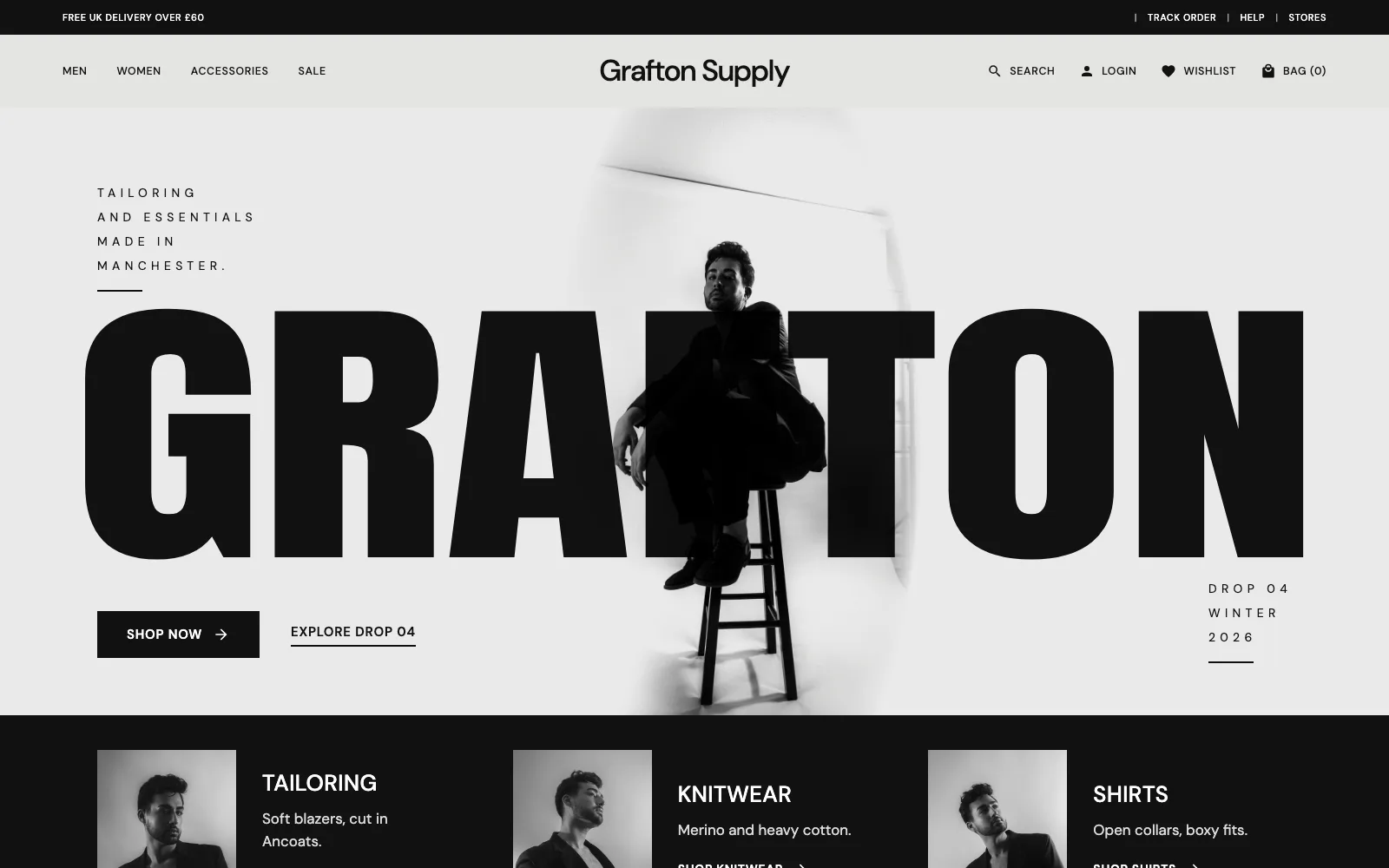
Specific beats general. "Make it better" gives you an average website; "lead with the food, say where we are" gives you yours. If you have a new design, give it that too and it will follow the design.
On Prooflive.ai, the agent builds the new site on a private preview, so your old site stays exactly as it is until you're ready. Each page is checked against Proofrails™ as it's saved, so invented statistics, fake reviews and stock phrases are sent back before you see them.
Switching over without losing Google
- Keep addresses where you can. If the old services page was
/services, keep it there. - Redirect the ones that change. If
/our-services.htmlbecomes/services, add a permanent (301) redirect so visitors and Google follow. Prooflive.ai has redirects built in, and renaming a page leaves one behind automatically. - Move the domain last. Point your domain at the new site only when every page is checked.
- Tell the search engines. A new sitemap and a ping to Bing and others help them notice quickly. Prooflive's SEO Wizard does both.
A careful redesign doesn't have to cost you rankings, and a faster, clearer site often helps. For the switch itself, see how to put your website live on your own domain.
After launch
Check your forms by sending yourself an enquiry, open every page on your phone, and look at Search Console over the next few weeks for pages Google can't find. Then keep the site current: an AI agent makes small updates as quick as sending a message.
Build yours with Prooflive.ai.
Paste one prompt into your AI agent with a few lines about your business, your old website or a design. Free to build and check; from £19 a month when it goes live, with your first 30 days free.