Can ChatGPT build a website? How to build your own with ChatGPT
ChatGPT can now publish simple sites with ChatGPT Sites, still in beta. What it does and doesn't do for a UK business, and how to use Codex to build a proper site you own.
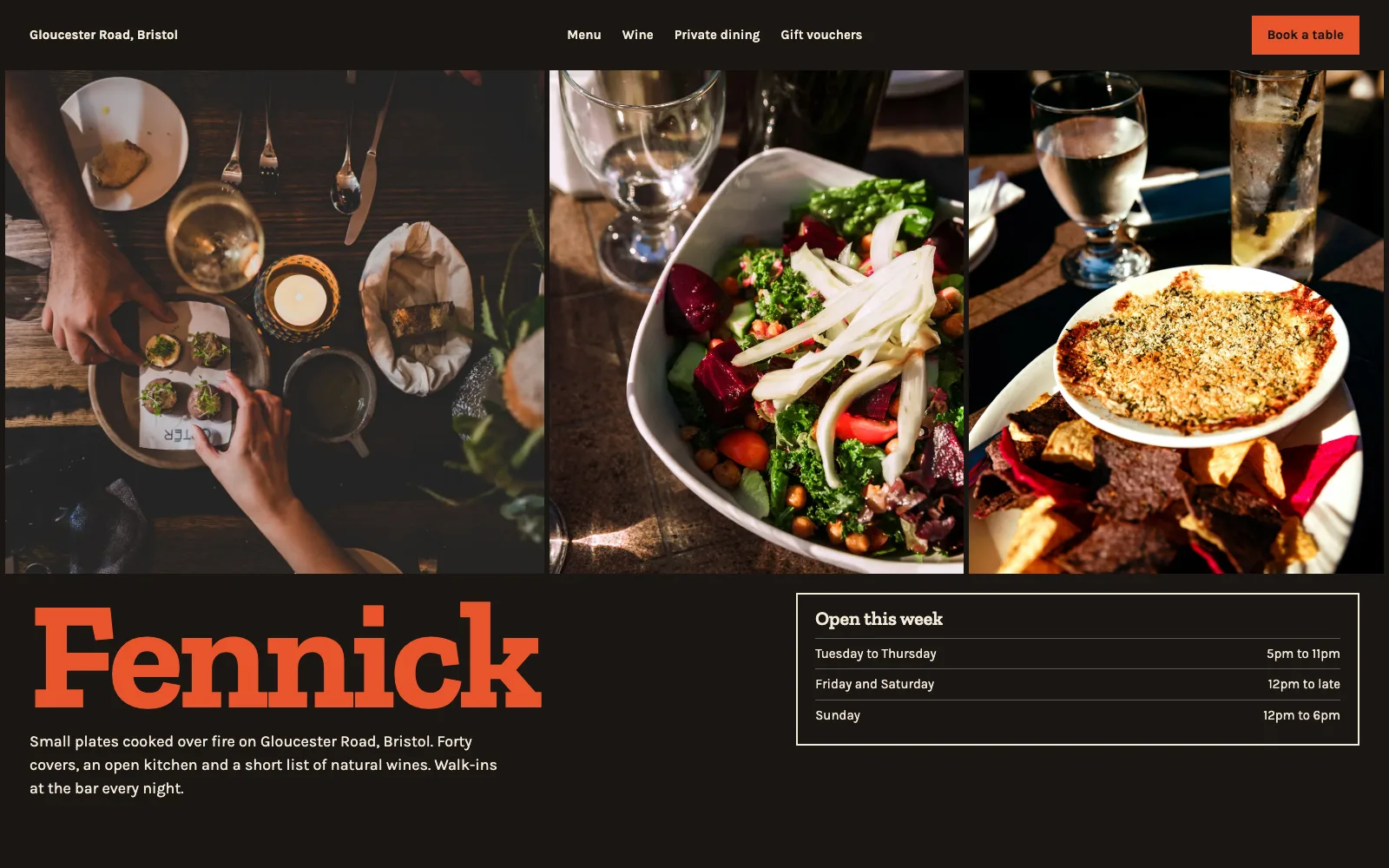
Short answer: yes, up to a point. For years ChatGPT could write a website but not publish one, which is why "I built my website with ChatGPT" so often ended with a file sitting in someone's Downloads folder. In July 2026 OpenAI launched ChatGPT Sites, which can publish simple sites and small apps straight from a chat. It's still in beta, and it leaves out several things a business website needs.
Here's what ChatGPT Sites does, what it doesn't, and the route that gets you a proper business site you own.
What ChatGPT is good at
- Writing the words. Give it your notes and it will draft service descriptions, an about page and FAQs. Edit them so they sound like you, and check every fact.
- Planning the site. Ask it which pages a business like yours needs, and what each should say. It's a decent sounding board.
- Writing code. It can produce a complete single-page site in one reply, and explain what each part does.
What about ChatGPT Sites?
ChatGPT Sites went into public beta on 9 July 2026. You describe a site in ChatGPT and it builds and publishes it at a ChatGPT-hosted address, or on a domain you already own. The facts worth knowing, from OpenAI's own help centre and release notes, checked on 14 October 2026:
- It needs a paid plan. Plus, Pro and work plans have it; Free and Go don't. In the UK, Plus is £20 a month. Usage is capped at limits OpenAI doesn't publish, and they "may change during the public beta".
- The UK wasn't included at launch. OpenAI's launch note said public publishing was "not available in the EEA, Switzerland, or the United Kingdom at launch". Its current help article no longer mentions regions, so check your own account before relying on it.
- No email on your domain. There are no mailboxes, so you'd still need Google Workspace, Microsoft 365 or similar.
- No choice of where your data lives. OpenAI says Sites "does not support data residency" at launch.
- It's built for quick sites and small apps. There's no built-in enquiries inbox, blog or search set-up for a business, and no documented way to download the code of a site built from a prompt.
For a one-off event page or a quick prototype, it's handy. For a business website that needs to be found, take enquiries and use email on your own domain, there's more to do. There's a side-by-side in Prooflive.ai vs ChatGPT Sites.
Where the chat window stops
Outside Sites, a chat reply is just text. To turn it into a live website, someone has to:
- Copy the code into files, one per page, without losing a bracket.
- Find hosting and upload them.
- Upload and resize the images, and fix the image links.
- Point the domain at the hosting and get SSL working.
- Make the contact form send somewhere (a plain HTML form does nothing on its own).
- Do all of it again every time you want a change.
None of that is hard for a developer. For a business owner it's usually where the project dies.
The better route: Codex
OpenAI also makes Codex, an agent that runs on your computer rather than in a chat window. The difference matters: an agent can take actions. It can read your old website, save pages, upload images and talk to a hosting platform's build interface, then keep going until the job's done.
Codex comes with paid ChatGPT plans, so if you already pay for ChatGPT you may well have it. The same approach works with Claude Code, Gemini CLI, Cursor, GitHub Copilot and Windsurf; see building a website with Claude if that's your tool.
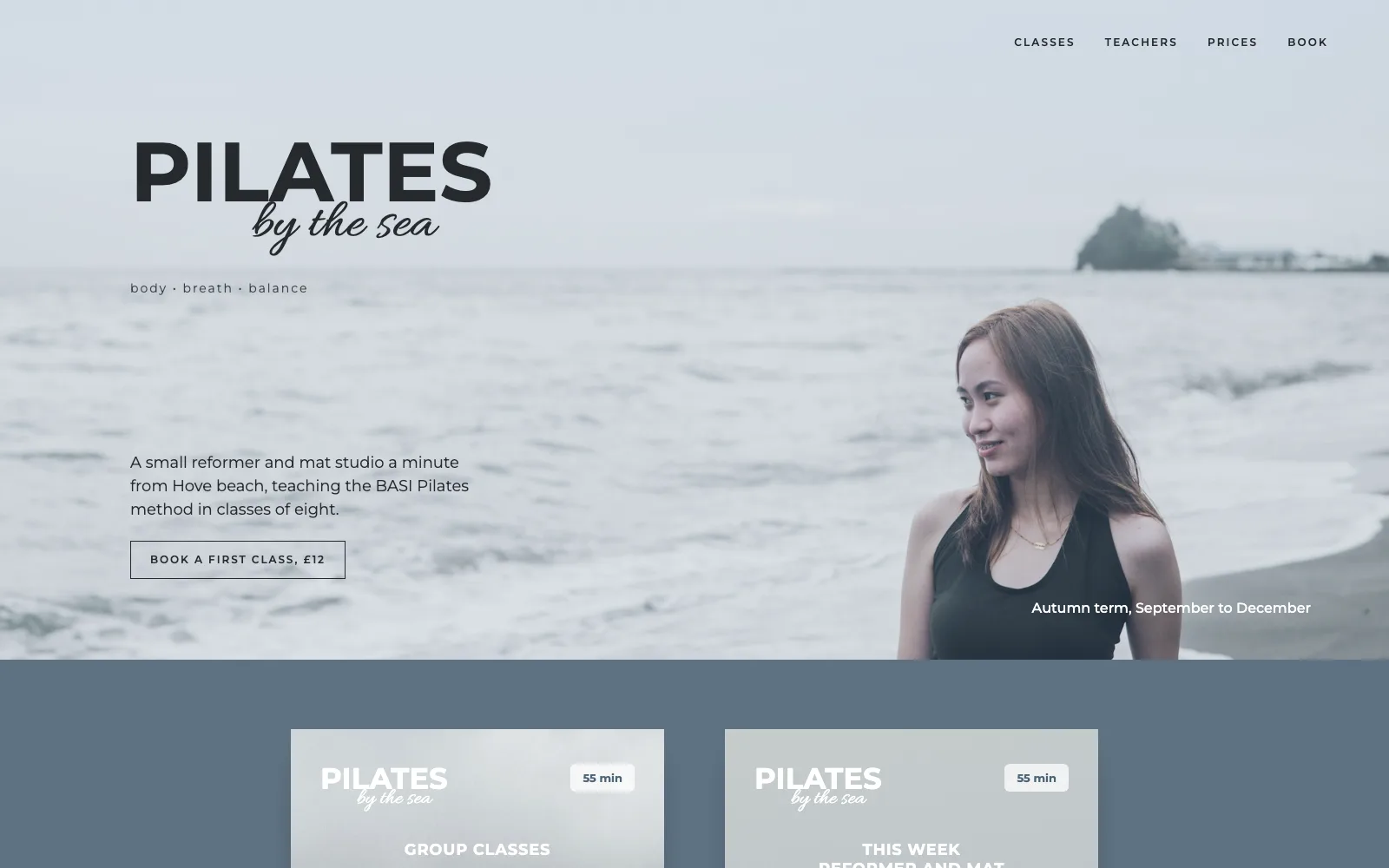
Step by step: ChatGPT's Codex and Prooflive.ai
- Sign up at Prooflive.ai. It's free to build and check, and your site gets a private preview address straight away.
- Copy your build prompt. It starts "Build my website with Prooflive.ai" and includes a private build link for your site.
- Paste it into Codex, with whatever you have: your old web address, a design, or a few lines about the business.
- Watch it build. Each page appears on your preview as it's saved. Ask for changes in plain English.
- Go live. Pick a plan, add your domain, and it's live with SSL, a working enquiry form and search set up.
Every page Codex saves is checked against Prooflive's Proofrails™, which catch the things that make sites look AI-made (invented stats, fake reviews, stock phrases) and send them back to be fixed.
If you'd rather stay in ChatGPT
Use it for what it's best at: the words. Draft your page copy there, tidy it up yourself, then hand the finished text to whichever agent builds the site. Good copy in means a better site out, whatever builds it. Prompts for building a website with AI has examples you can adapt.
Questions
Is a website built with ChatGPT bad for SEO?
Google cares whether a page is useful, not which tool wrote the code. What hurts is thin, generic content: the same vague paragraphs every AI site has. Use your own details and it's a normal website.
Do I own the website?
On Prooflive.ai, yes: the site, the domain and the billing are yours, and the pages are real HTML.
Do I need to know how to code?
No. You describe what you want and check the result. The agent writes the code.
Build yours with Prooflive.ai.
Paste one prompt into your AI agent with a few lines about your business, your old website or a design. Free to build and check; from £19 a month when it goes live, with your first 30 days free.