Prompts for building a website with AI (that doesn't look AI-made)
The prompt you give your AI decides whether you get your website or the average website. Prompts you can copy, and the details that make the difference.
Ask an AI for "a website for my bakery" and you'll get the average bakery website: a warm gradient, "Freshly baked with love", three cards with icons and a testimonial from someone who doesn't exist. Not because the AI is bad, but because you gave it nothing to go on, so it filled the gaps with the most common answer.
The fix is to leave fewer gaps. Here's what to include, and prompts you can adapt.
What every website prompt needs
- What you do, where, and for whom. "Sourdough bakery and café in Kendal, for locals and walkers heading into the Lakes."
- How people should get in touch or buy. Phone, form, booking link, or walk in.
- Your real facts. Prices, hours, address, the names of things. If you don't have a fact, tell the AI to leave it out rather than guess.
- A look. A design, your old site, your logo's colours, or two or three sites you like and why.
- What to avoid. Saying "no stock phrases, no made-up numbers or reviews" helps more than you'd think.
Prompts to copy
Starting from a few lines
Build a website for my business. We're (name), a (what you do) in (town), for (who). People get in touch by (phone / form / booking link). Pages: home, services with prices, about, contact. Use only the facts I give you: if something's missing, ask me rather than make it up. No invented statistics, reviews or awards. Here are the details: (paste your notes).
Starting from your old site
Here's my current website: (address). Rebuild it with the same services, prices and contact details. Keep my wording where it's clear and tighten it where it's long. Lead the home page with (your best photo) and say what we do and where in the headline.
Starting from a design
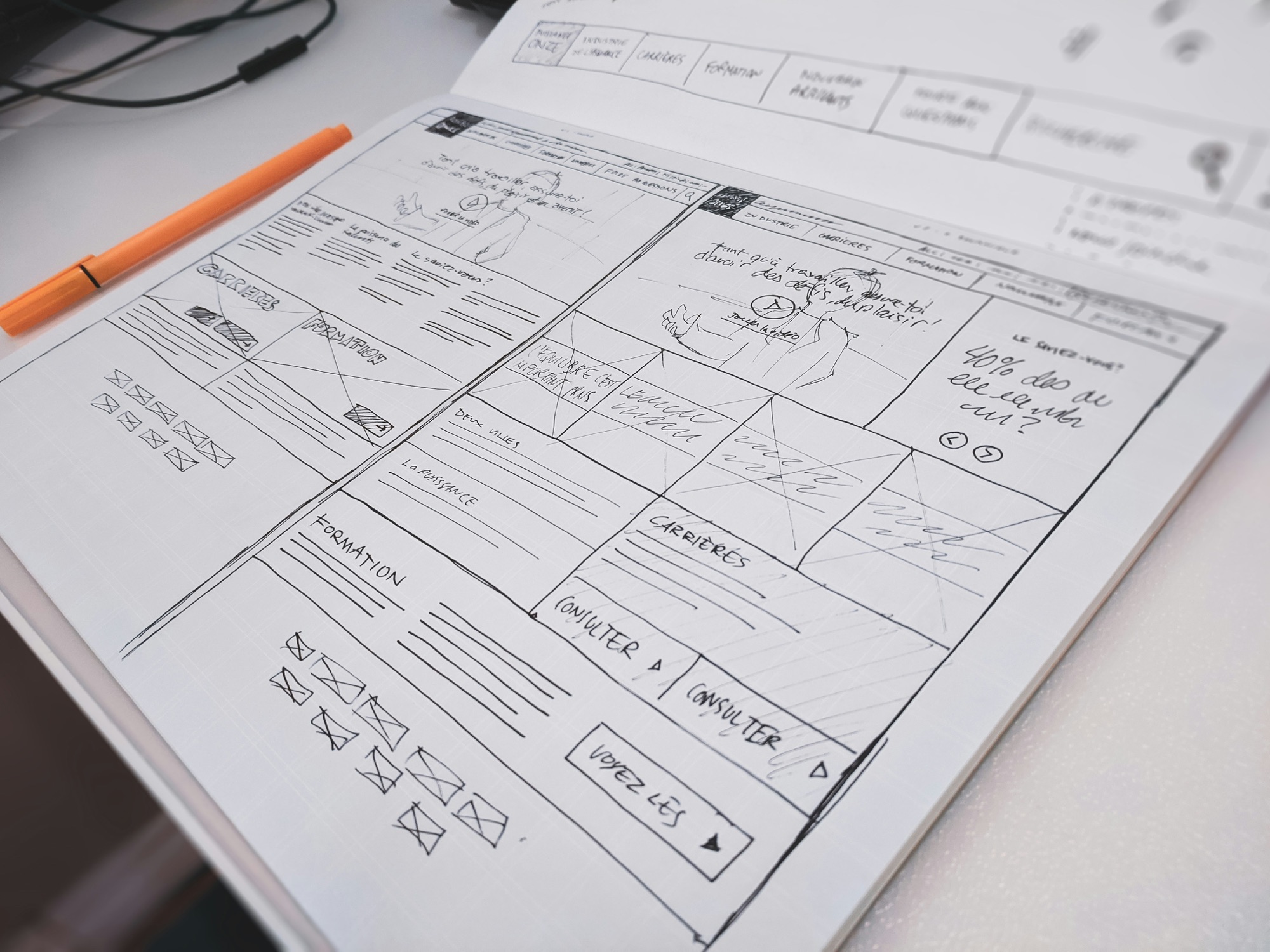
Build the site exactly as this design shows: (link or files). Match the fonts, colours and spacing. Where the design shows only some pages, build the rest in the same style and show me before you go further.
Changing something
On the home page, make the headline shorter and put our town in it. Swap the second photo for the shopfront. Leave everything else as it is.
The AI look, and how to spot it
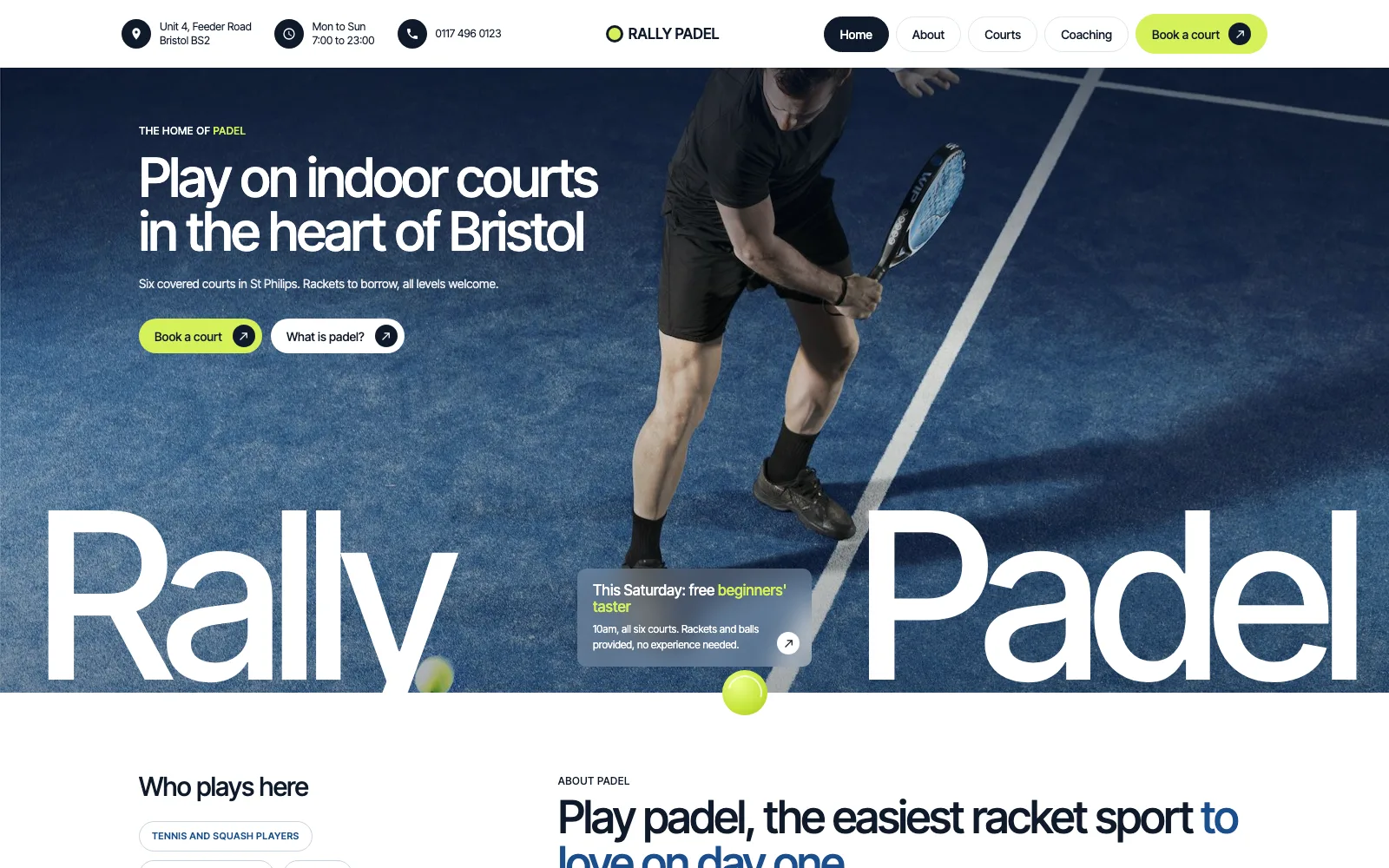
These are the giveaways. If your site has several, ask for them to go:
- Gradient-filled headline text, glowing buttons, blurred colour blobs.
- "Trusted by 500+ businesses" and other numbers nobody gave it.
- Five-star ratings and testimonials you didn't write.
- A small label above every heading, or "01 / 02 / 03" on every card.
- Stock phrases: "elevate", "seamless", "cutting-edge", "take your business to the next level".
- Everything fading up as you scroll.
On Prooflive.ai you don't have to catch these yourself. Every page your agent saves is checked against Proofrails™, our own guard rails, and anything like this goes back to the agent to fix, before you see the page.
Where to paste them
These prompts work best in an AI agent that can save pages, like Claude Code or Codex, rather than a chat window. See how to build your own website with AI for the full process.
Build yours with Prooflive.ai.
Paste one prompt into your AI agent with a few lines about your business, your old website or a design. Free to build and check; from £19 a month when it goes live, with your first 30 days free.