Restaurant email: how to set up a professional address
Why a restaurant needs email on its own domain, which addresses to have (bookings@, events@ and more), and how to set it up so confirmations don't land in spam.
Diners, suppliers and anyone booking a private party will judge you by your email before they set foot in the place. A booking confirmation from a free Gmail or Hotmail address reads very differently from one sent from bookings@ your own restaurant's domain. Here's how to set up a professional email address for your restaurant, which addresses to have, and how to keep it working day to day.
Why use your own domain?
- Trust. An address on your own domain matches your website and your menus, and looks like a business people can rely on.
- It stays with the restaurant. When a manager leaves, the address and its history stay with you, not in their personal inbox.
- Your emails arrive. With the right records set up (more on that below), booking confirmations are far less likely to land in spam.
Which addresses does a restaurant need?
Most restaurants only need one or two real mailboxes. The rest can be aliases: extra addresses that deliver into a mailbox you already check.
- bookings@ for table reservations and changes.
- events@ for private hire, parties and set menus.
- hello@ for everything else: questions, press and the odd complaint.
- jobs@ for applications, so CVs don't get lost among bookings.
- accounts@ for supplier invoices and statements.
A small team might run everything into one mailbox; a busier place might give the manager and the events lead a mailbox each.
How to set it up
- Get your domain. Usually the same one as your website, such as yourrestaurant.co.uk.
- Choose where your email lives. Your website host, if it includes email, or a separate email provider.
- Create the mailbox and your aliases. Start with one mailbox and add the aliases above.
- Add the email records to your domain. MX records tell the world where your email goes. SPF, DKIM and DMARC prove your emails really come from you, which is what keeps booking confirmations out of spam folders.
- Set it up on every device. The phone behind the bar, the office computer and the manager's phone, in webmail or any mail app.
- Add a signature. Your restaurant's name, address, phone number, opening hours and a link to your menu or booking page.
Day to day
- Turn on an out-of-hours reply for bookings@, saying when you'll answer and how to book online.
- Never take card numbers by email. Use a payment link or take payment by phone or in person.
- Answer allergy questions from your allergen information, and keep the reply.
- Tidy up old booking emails. They hold customers' names and numbers, so don't keep them longer than you need to.
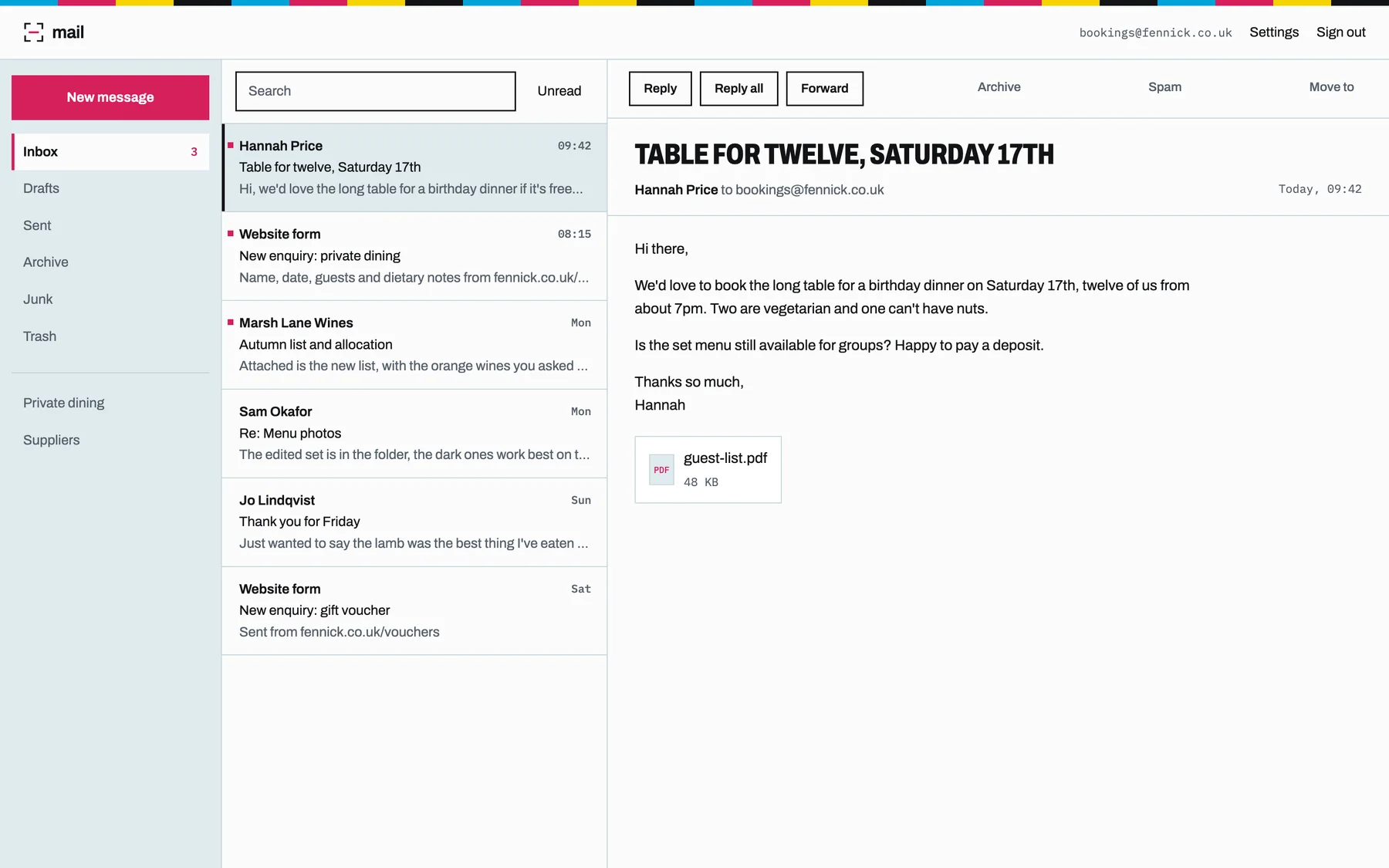
Restaurant email with Prooflive.ai
If your website is on Prooflive.ai, your email can live in the same place. Standard and up include one mailbox on your own domain, and extra mailboxes are £4.99 a month each. Use the webmail or any mail app, and enquiries from your website's forms land in your leads inbox and your email too. See pricing, or read more about business email on your own domain.
Build yours with Prooflive.ai.
Paste one prompt into your AI agent with a few lines about your business, your old website or a design. Free to build and check; from £24 a month when it goes live, with your first 30 days free.