Webflow alternatives for designers and studios
Webflow is powerful, but you rebuild your design inside it. Alternatives for designers and studios, including having your AI agent build the design as drawn.
Webflow is a favourite with designers because it gives real control. But it has a cost beyond the plan price: you design in one tool, then build it again in Webflow's designer. For studios, there's client billing, editor seats and handover to think about too. Here are the alternatives designers most often consider.
Framer
If you already design in Framer, publishing from the same canvas saves a step, and its AI tools help draft pages. It's a strong choice for marketing sites and portfolios. You're still working in Framer's editor and on its hosting.
WordPress
Complete flexibility and a huge ecosystem, with themes or a custom build. The trade-off is maintenance: updates, plugins, security and hosting are yours or your client's to look after.
Wix
Easier for clients to edit themselves, with a big app market. Less precise than Webflow for detailed layouts.
Your AI agent builds the design as drawn
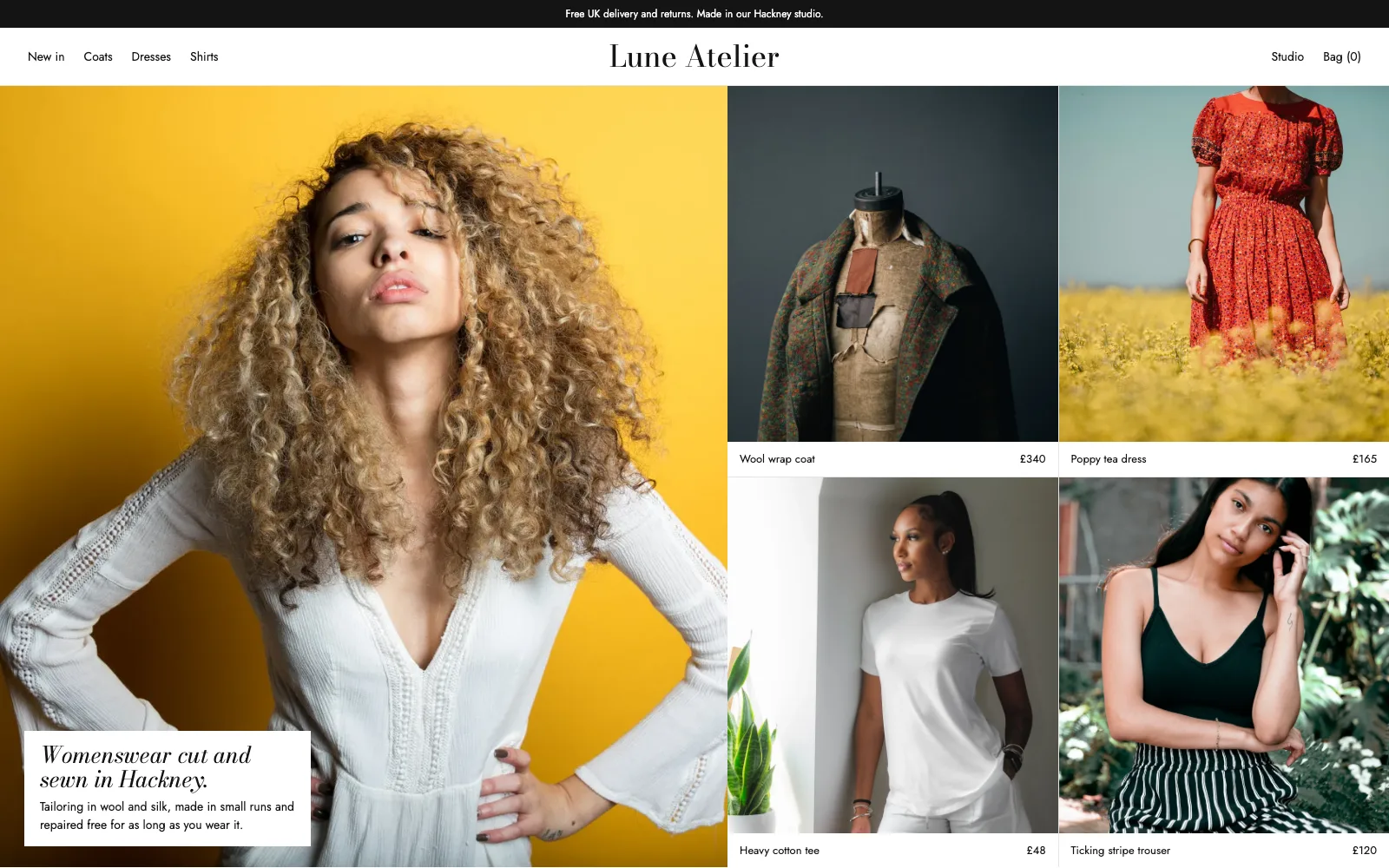
A newer route skips the rebuild entirely. You design wherever you already work: Figma, Photoshop, Illustrator, Canva, Claude Design, a PDF or screenshots. Then an AI agent (Claude Code, Codex, Cursor and others) builds every page as real HTML, true to your layout and type.
That's Prooflive.ai for designers:
- Proofrails™: every page the agent saves is checked against our own guard rails, so it stays true to the design and doesn't drift into the generic AI look.
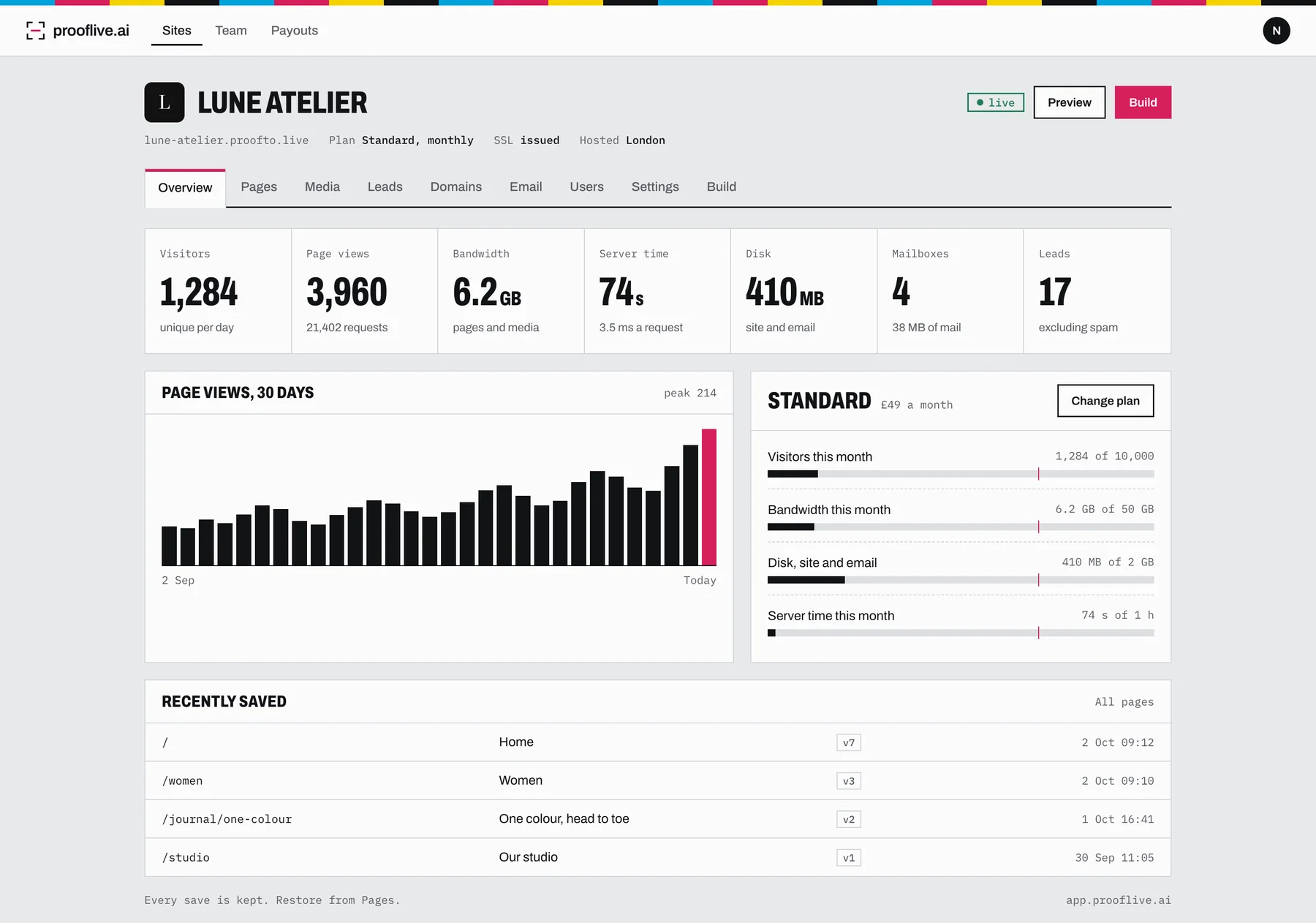
- Private proofing: each site has its own preview address that only you, your client and your team can see.
- Client handover built in: send the client a go-live link. They preview, pick a plan and pay, and it's live on their domain with SSL.
- You get paid: free to join, the client pays for hosting, and you earn 10 to 20% of every payment on their sites through Stripe.
- UK hosting: every site lives in a London data centre.
- Email on the same bill: Standard and up include a mailbox on the client's domain.
Changes later? Get a fresh build link and ask your agent. Pages keep their history, so you can roll back.
Which to choose
If you love building visually and your clients edit in Webflow happily, stay. If you'd rather your design was the build, with sign-off and billing handled, try Prooflive.ai: it's free to sign up and build. See Prooflive.ai vs Framer, Webflow and Wix for hosting, email and commission side by side.
Build yours with Prooflive.ai.
Paste one prompt into your AI agent with a few lines about your business, your old website or a design. Free to build and check; from £24 a month when it goes live, with your first 30 days free.